AI calorie counter
What did you eat today?
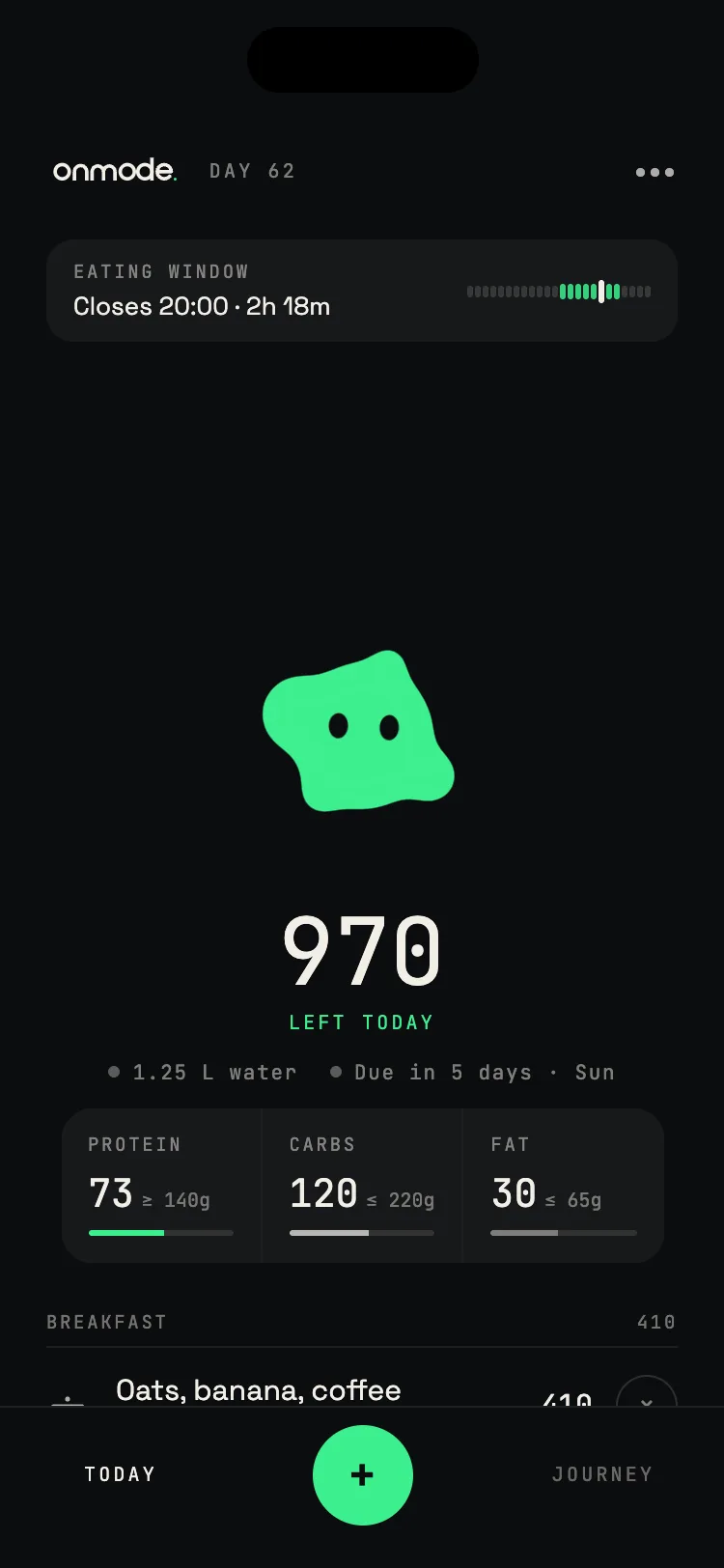
Type it, say it or snap it. Calories and macros in two seconds.
Download on theApp StoreFree on web and iPhone
or try it below
or try it below
Today0/ 2,000 kcal
Log something. I’ll do the rest.How it works
Three ways in. No database.
Snap the plate, say what you ate or type it like a text. The AI calorie counter reads the meal and returns calories and macros. No search, no scrolling through twelve chicken sandwiches.
- 1 Snap it
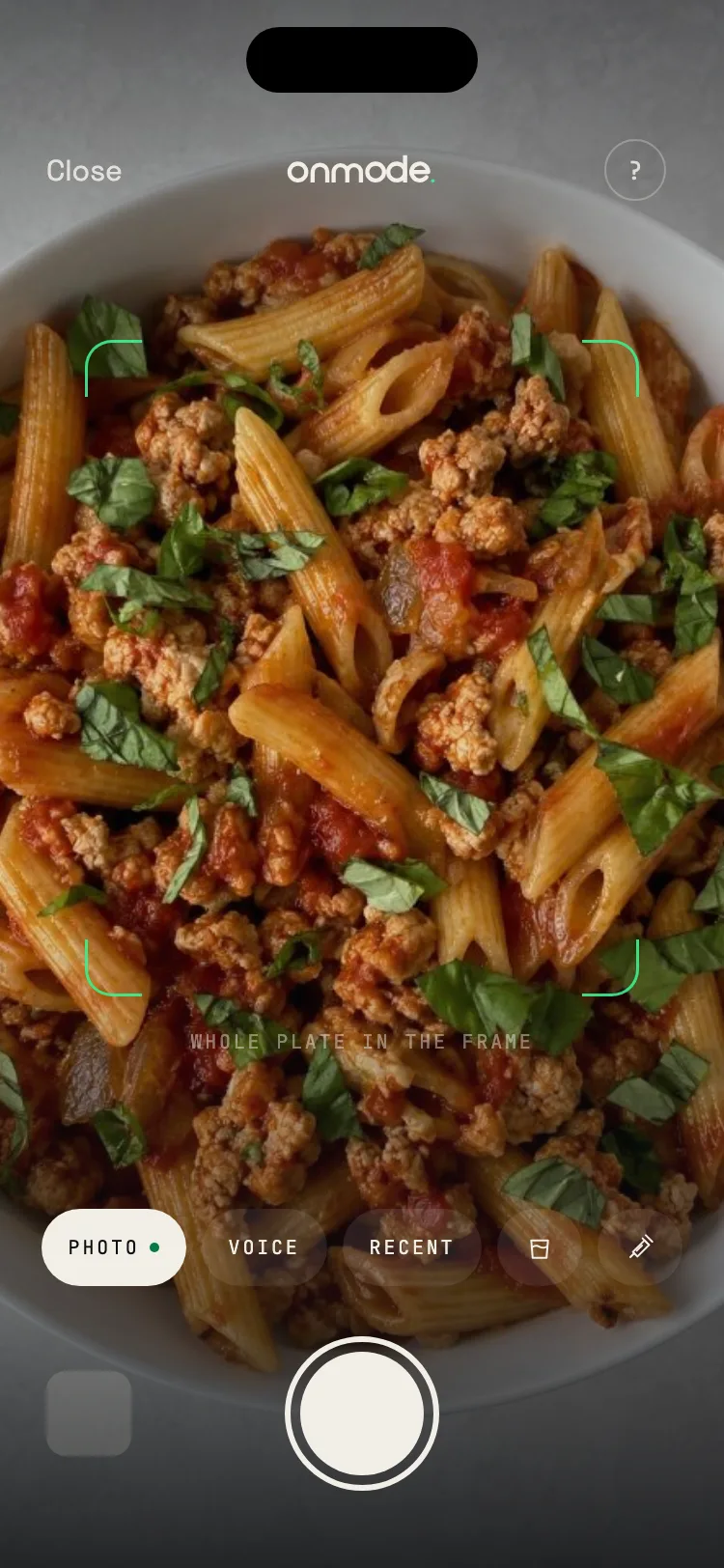
- 2 Say it
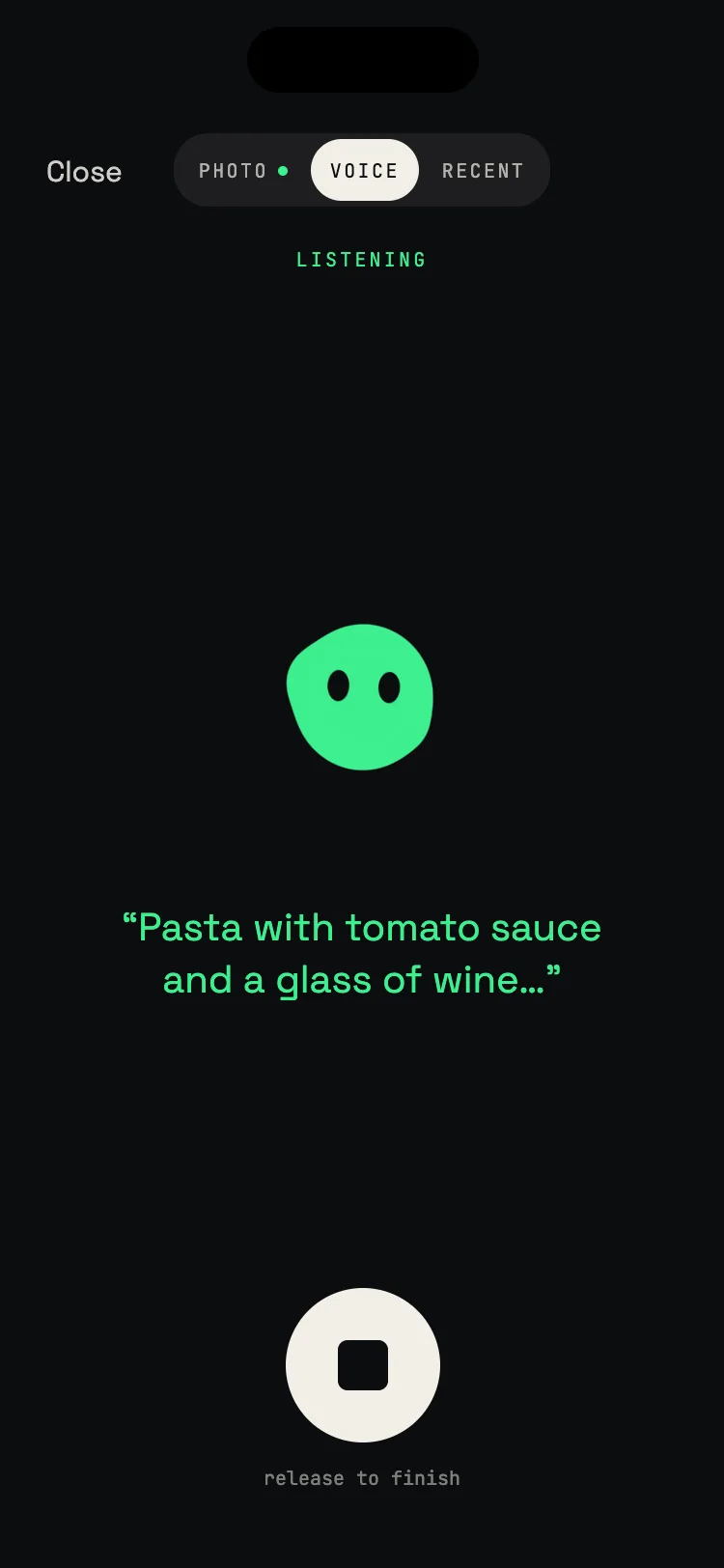
- 3 Type it
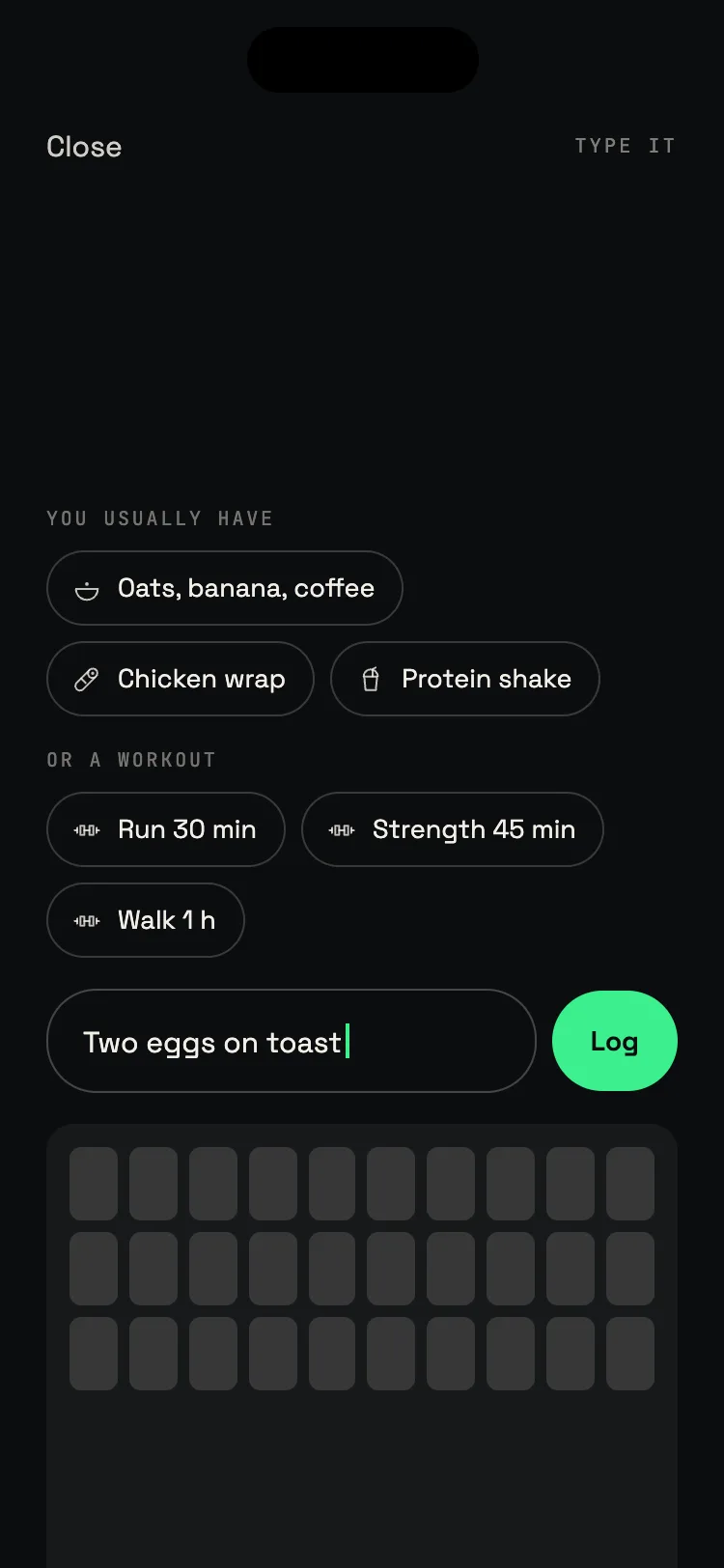
AI coach
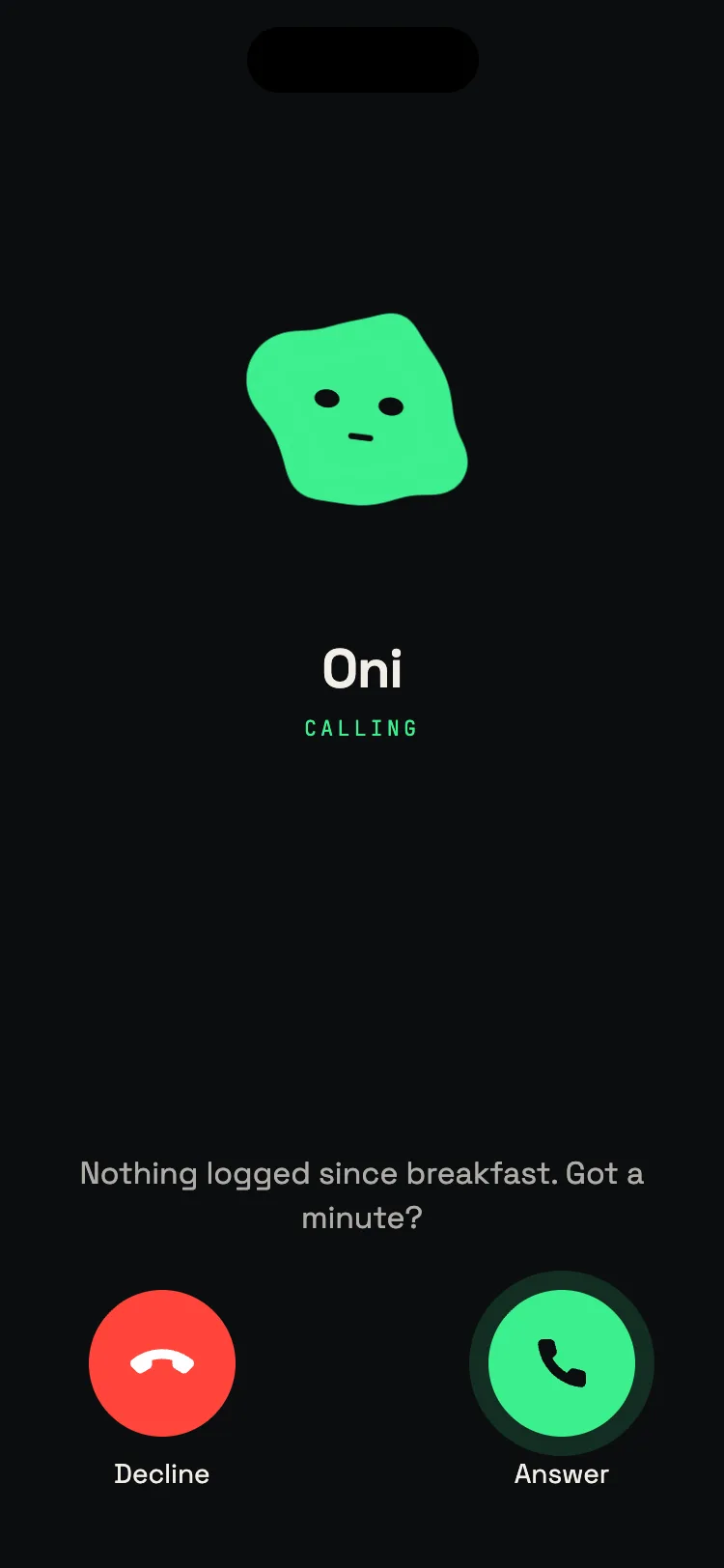
Oni calls when you drift. Silence when you’re on.
01A one-minute callOni notices when you slip and checks in.
02Knows your weekTuesday was rough. Friday’s pizza isn’t a crime.
03Suggests, never scoldsOptions that fit your day.
04Plans from dinnerEating out at 8? Oni leaves you headroom.
Web app
Your day, on a bigger screen.
Same account as the Onmode app. Meals, macros and trends, always in sync.

Small things. Big difference.
- 01
One-tap repeats
Same breakfast again? One tap.
- 02
Fast adjust
Estimate off? Slide to fix it.
- 03
Apple Health
Steps and workouts, synced both ways.
- 04
Recipes from photos
Snap a recipe, save the meal.
- 05
Web and iPhone
One account. Log on one, see it on the other.
- 06
Private by default
No feed. Your data is never sold.
Reviews · App Store
5.0 · 4 reviews on the App Store
“It has AI photo recognition which I tested and is pretty accurate. And if you don't want to take a picture for whatever reason you can just write what you ate and AI will handle it.”
hynekkkkkApp Store review · Czech Republic“Awesome app for tracking daily calories. Works even better when combined with a digital scale.”
Herbas82App Store review · Germany“Very good app, I use it daily for my diet.”
Original, Romanian: “Foarte buna aplicatie, o folosesc zilnic la dieta.” Andrea G.App Store review · Romania
Onmode for iPhone
Best on your iPhone.
Camera, voice, widgets, Apple Health and Watch. All where your meals are.
Download on theApp Store Scan with
your iPhone
Scan withyour iPhone
CameraApple HealthWatchWidgets
AI calorie counter · FAQ
Quick answers.
Peer-reviewed research on AI dietary assessment finds photo-based calorie estimates land within roughly 5 to 15% of the true value for common foods, on par with a registered dietitian judging the same photo. Mixed bowls and heavy sauces are harder, so every estimate shows its confidence and adjusts with one tap. Our benchmark target is within 8% of a dietitian, re-tested each release.
Keep exploring
- 01How to get the most accurate read10 tricks for sharper estimates: 45° angle, the scale trick, and what to type.
- 02Photo calorie counterSnap a photo, get calories in 2 seconds. How the photo flow works.
- 03Cal AI free trialHow the Cal AI trial works, and a free-forever option.
- 04How accurate is Cal AI?What the accuracy looks like in practice, with our 8% comparison.
- 05Photo to calories with AIThe model pipeline behind the AI photo calorie counter.
- 06BMR calculatorYour basal metabolic rate, the calories you burn at complete rest.
Eat. Log. Don’t stress.
3 free tries on the web, no signup · then a free account, no card