Get the most accurate read. Every photo.
These ten habits close most of the gap between a quick snap and a dietitian's count. Most take a single second. The biggest one is free: set the plate on a kitchen scale and let the AI read the number.
- Shoot at about 45° so the AI sees volume
- Weigh it and capture the readout
- Type what the photo hides: oil, dressing, the brand
- Check the portion, then nudge it
Ten ways to sharpen the estimate. Ordered by impact.
The first four move the number the most. None of them takes longer than framing the shot you were already going to take.
- 01 · Angle
Hold the phone at about 45 degrees
A slight tilt instead of a straight-down shot lets the AI see the height of the food, not just its outline, so it can judge volume on bowls, stacked sandwiches, and piled rice. For a flat plate where nothing is stacked, a clean top-down shot works just as well.
- 02 · Framing
Leave nothing hidden
Photograph the meal before you start eating, with the whole plate in frame and items not overlapping. Food tucked under a bun, buried in a bowl, or stacked behind something else cannot be measured. Spread the components out a little if you can.
- 03 · Weight
Put it on the scale and shoot the readout
Set the plate or bowl on a kitchen scale and include the number in the photo. The AI reads the grams off the display and uses the exact weight instead of estimating volume from pixels. This is the single biggest accuracy upgrade for anything you portion at home.
- 04 · Detail
Say what the photo cannot show
Add a line of text for anything invisible: cooked in two tablespoons of olive oil, low-fat milk, no dressing, restaurant portion. Oils, butter, sauces, and the sugar in your coffee rarely show up in a picture and can quietly add 100 to 400 calories.
- 05 · Scale
Add a size reference
No scale handy? Put a familiar object in the shot, a fork, a spoon, a coin, or a credit card, and the AI uses its known size to scale the portion. Your hand resting next to the plate works in a pinch too.
- 06 · Detail
Name the restaurant or brand
For chain food, type the place: Chipotle chicken bowl, Starbucks grande latte, a Big Mac. The AI pulls the exact published nutrition for the named item instead of guessing from the picture, which makes branded meals close to exact.
- 07 · Light
Use good, even light
Natural daylight gives the truest colors and the sharpest detail, and color and texture are exactly what the AI uses to tell foods apart. Avoid dim restaurant lighting, hard shadows, and strong color casts from screens or neon signs.
- 08 · Quality
Keep it sharp and fill the frame
Hold steady, let the camera focus, and get close enough that the meal fills most of the frame without cropping anything off the edge. A blurry or distant photo hides the texture cues the model relies on to identify each food.
- 09 · Framing
Shoot multi-part meals piece by piece
For a homemade plate with several distinct foods, a quick photo of each part beats one busy shot. Separate photos give the model clean boundaries for the rice, the chicken, and the vegetables instead of one blurred pile.
- 10 · Review
Check the portion, then nudge it
The number the AI returns is a starting point, not the final word. If a portion looks light or heavy, drag the one-tap slider and the totals update live. A two-second correction often does more for accuracy than a perfect photo.
If you only do two things.
Put the food on a scale and shoot the number.
Portion estimation is where most of the error lives. When the scale readout is in the frame, the AI reads the grams straight off the display and skips the guess. Works for cereal, rice, pasta, meat, anything you plate at home.
Tell it what the camera cannot see.
Oils, butter, dressings and sauces are nearly invisible in a photo, yet they add 100 to 400 calories. A few words fix it: cooked in olive oil, low-fat milk, no dressing, or the restaurant name for a branded match.
Works on whatever you eat. Home plates and restaurants.
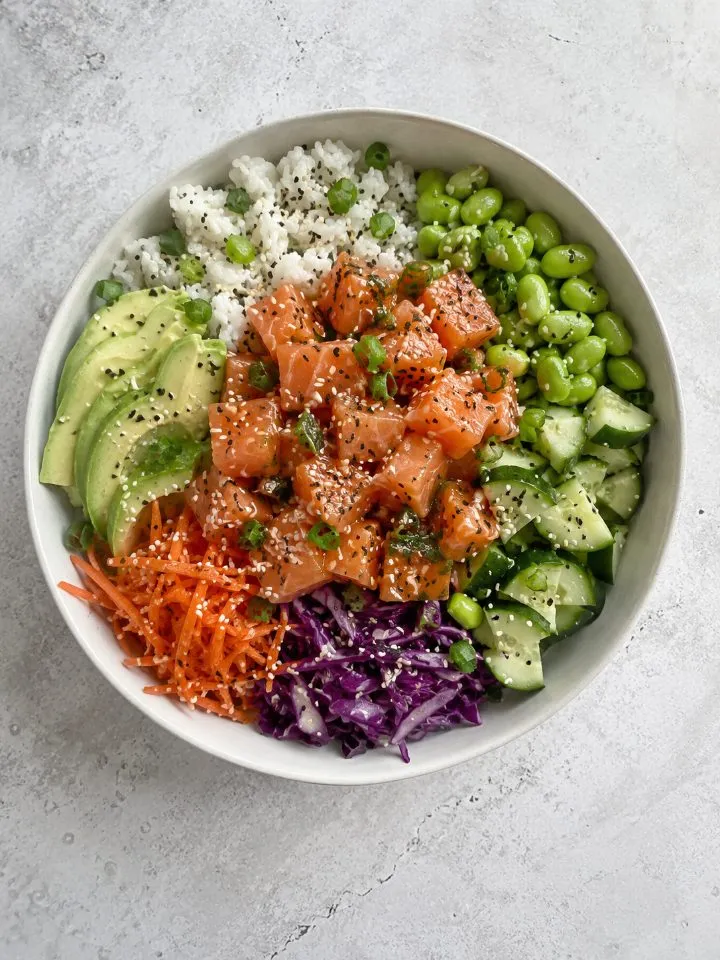 Salmon poke640 kcal
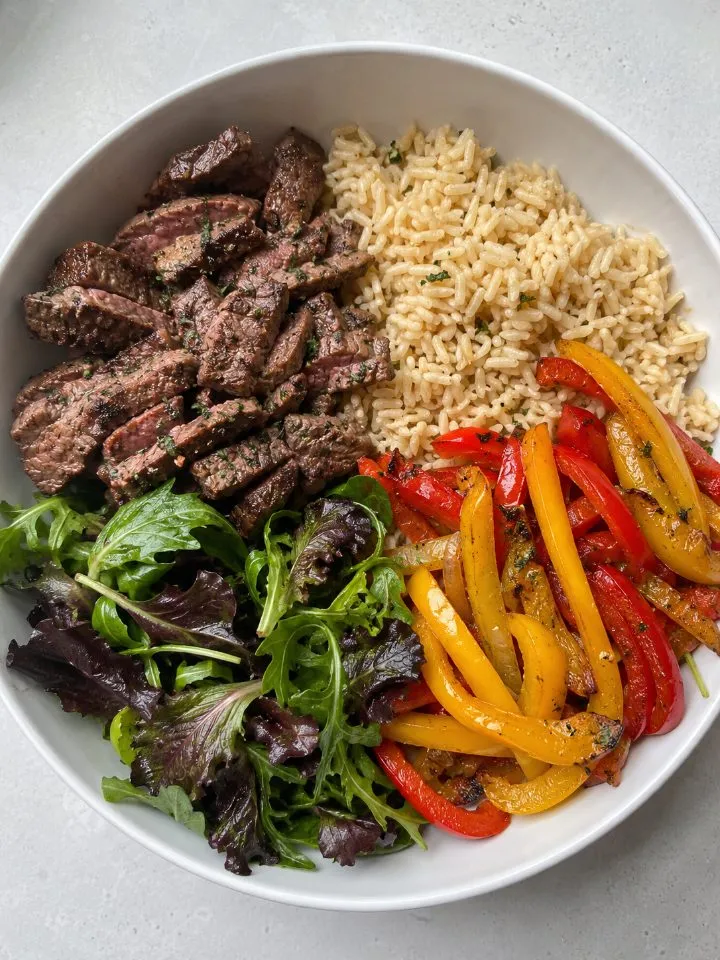 Steak and rice720 kcal
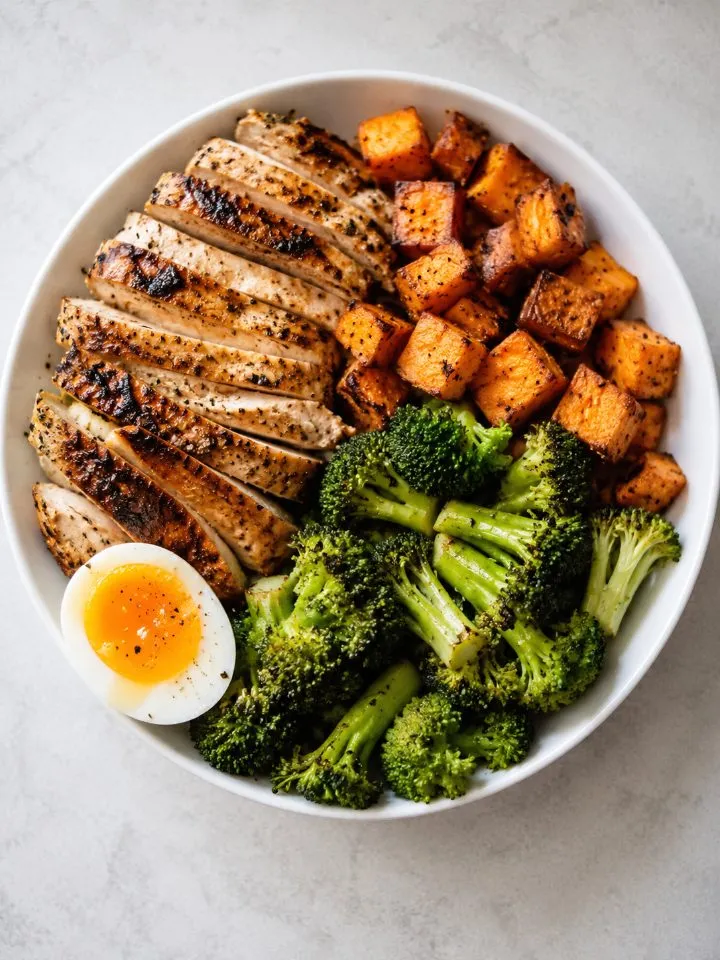 Chicken bowl620 kcal
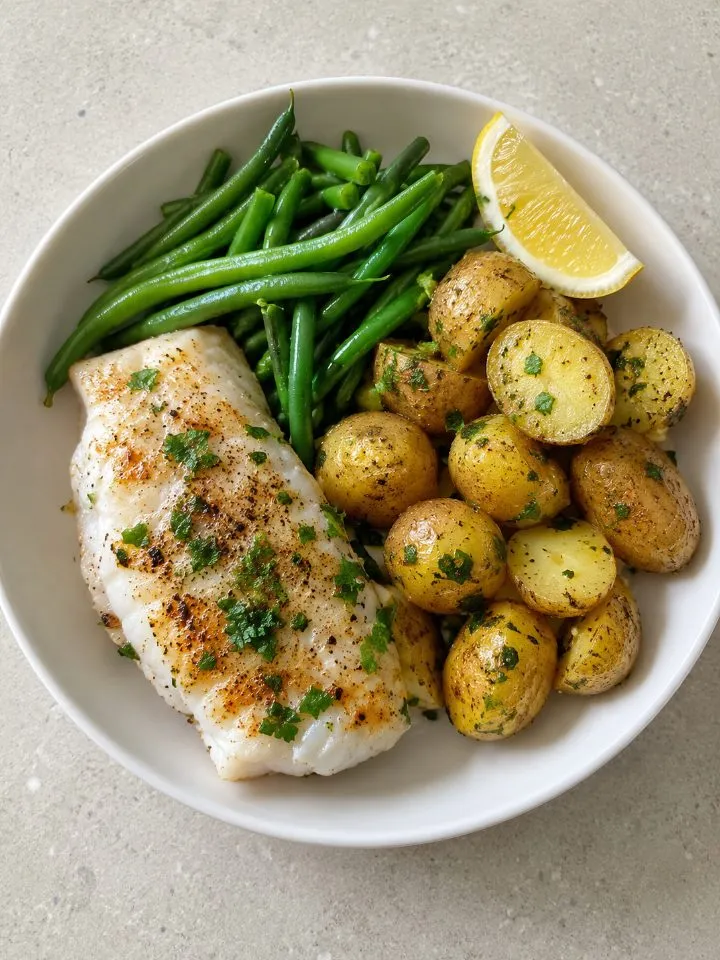 Cod, potatoes480 kcal
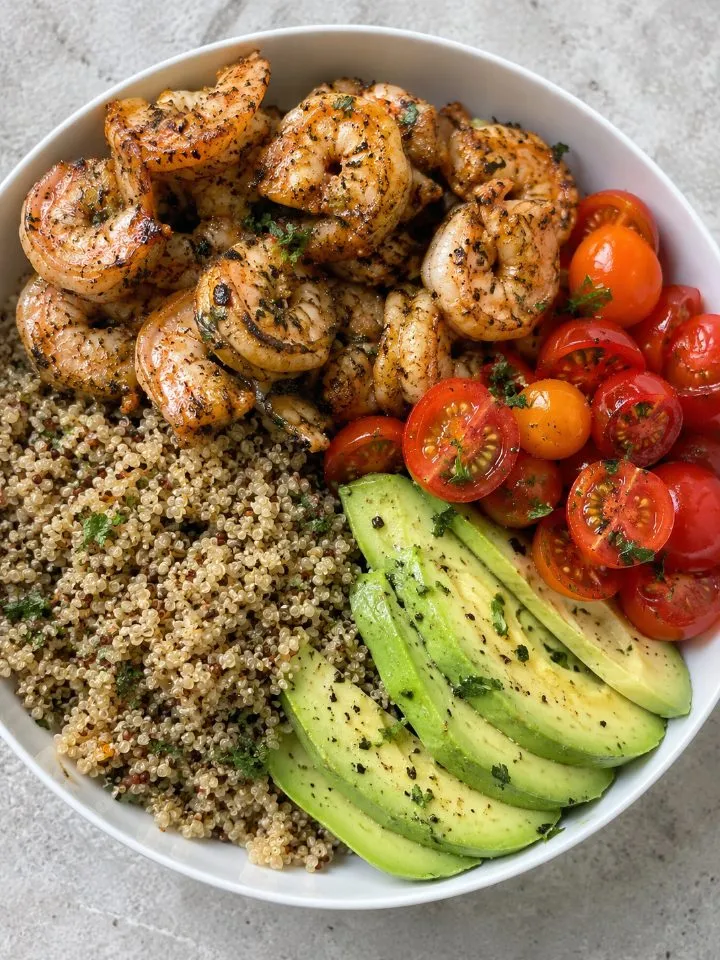 Shrimp, quinoa560 kcal
Example reads. Your plate will vary.
Quick answers.
Keep reading.
- 01How the AI calorie counter worksThe 3-stage pipeline: detect, estimate portion, look up nutrition.
- 02Is the AI calorie counter accurate?Close enough to steer real decisions. Our benchmark target: within 8% of a dietitian.
- 03How accurate is the AI calorie counter?Per-meal breakdown, peer-reviewed comparison, and the error budget.
- 04Photo calorie counterSnap a photo, get calories in 2 seconds. How the photo flow works.
- 01How accurate is Cal AI?What the accuracy looks like in practice, with our 8% comparison.
- 02How accurate is the AI calorie counter?Per-meal breakdown, peer-reviewed comparison, and the error budget.
- 03The free AI calorie trackerSnap, speak, or type a meal and get calories and macros in about 2 seconds. No signup.
- 04Cal AI vs calorietrackSide-by-side on accuracy, price, and the free tier.
- 05Cal AI vs MyFitnessPalAI photo logging vs the largest food database, compared.
- 06Photo to calories with AIThe model pipeline behind the AI photo calorie counter.